Blockpedia
A downloadable tool for Windows
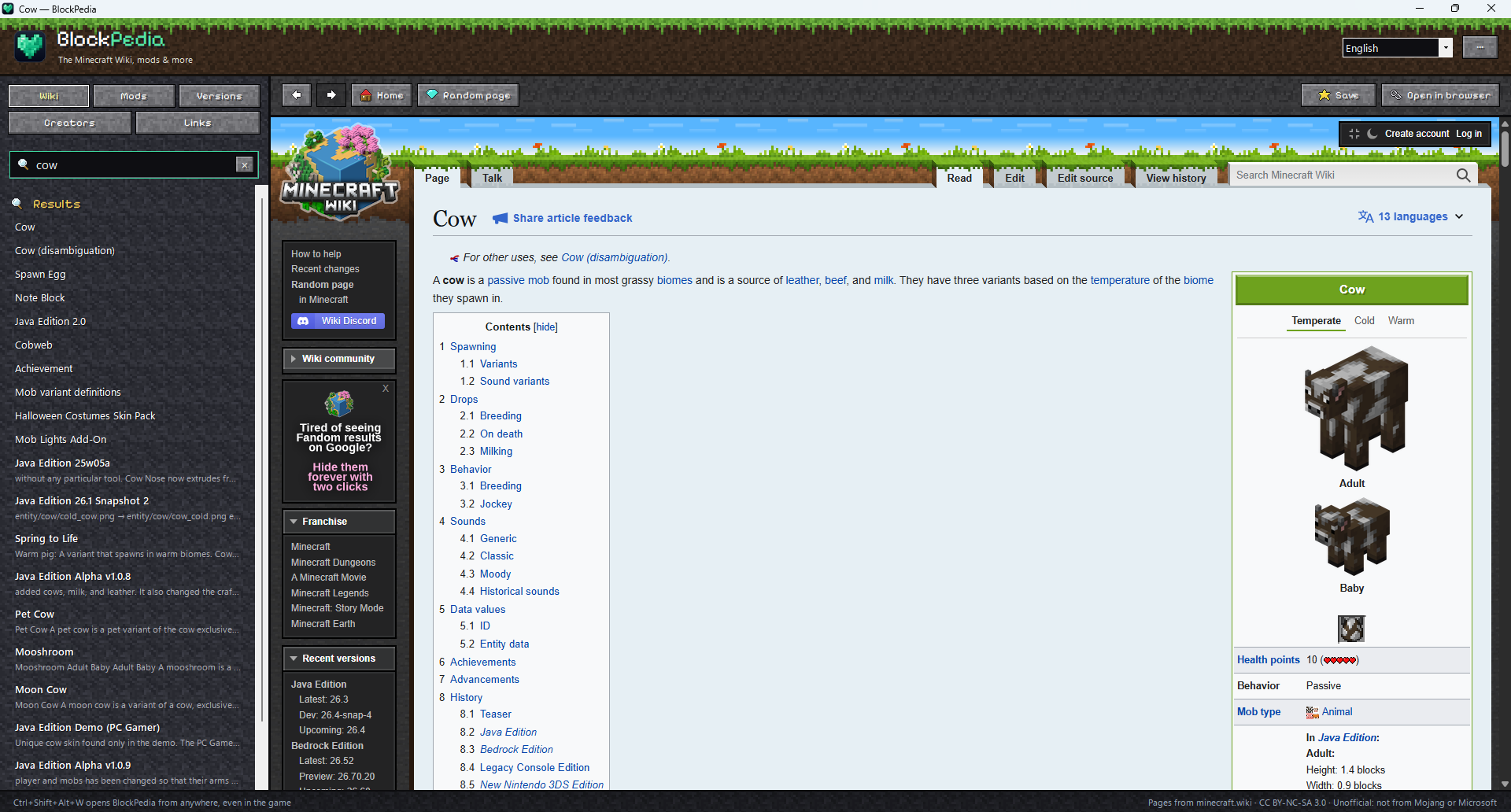
The Minecraft Wiki in its own window
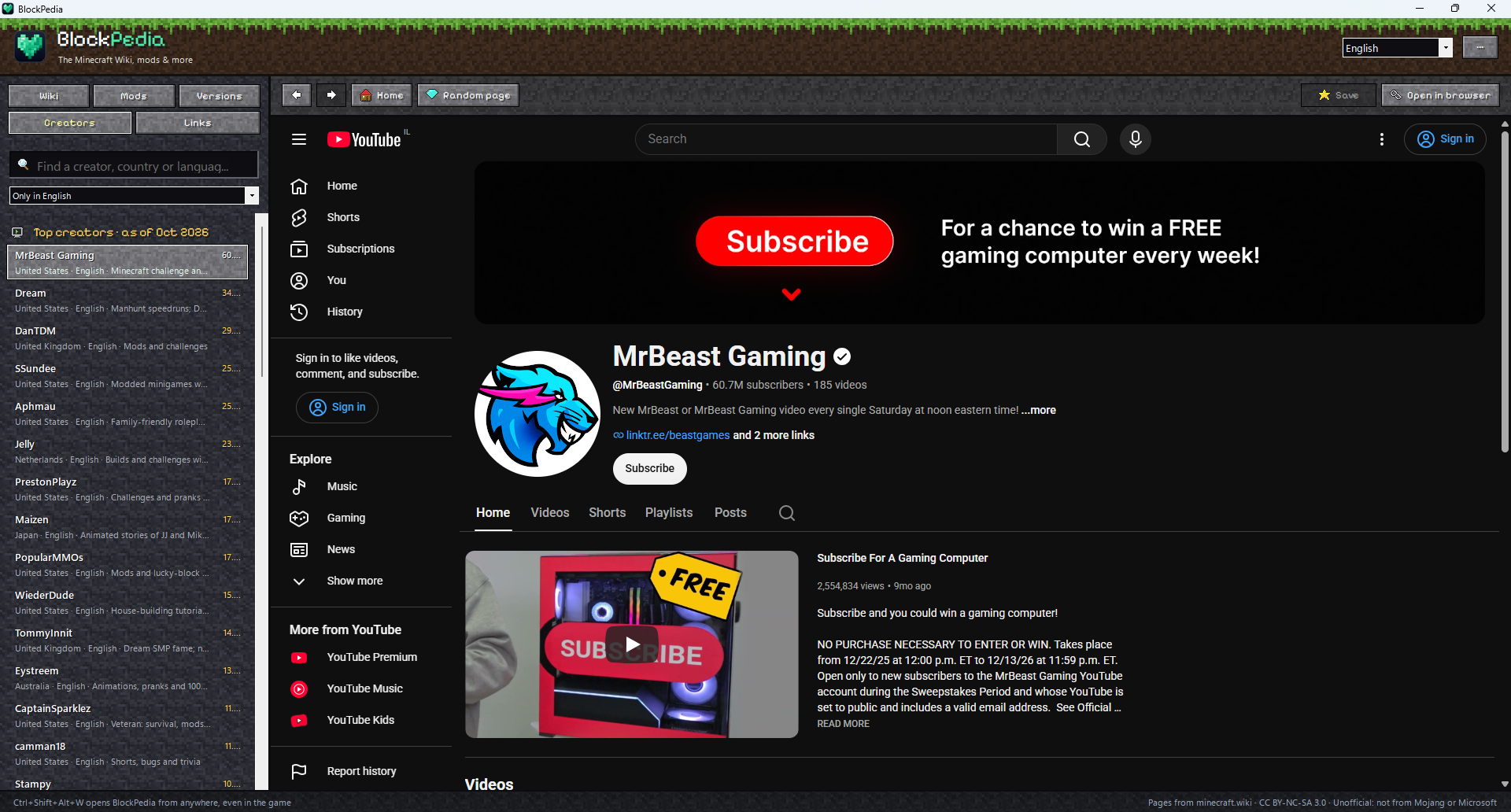
BlockPedia is a free Windows app for Minecraft players. Search the Minecraft Wiki as you type, read pages with their pictures and tables, and bring it up over the game with one keyboard shortcut. Around the wiki it gathers what players look for: popular and new mods, the latest game versions, Minecraft YouTubers and launchers.
Works for Java Edition and Bedrock Edition players.
Features
- Search as you type. Pages whose titles match come first ("golden carrot"), then pages that mention your words ("how to tame a cat"). Press Enter to open the first one.
- Read pages right in the app, live from minecraft.wiki, with their pictures and tables.
- Bring it up over the game. Press Ctrl+Shift+Alt+W to open BlockPedia, and press it again to go back to the game. You can change the shortcut.
- Mods: the most downloaded, most followed, newest and recently updated mods, modpacks, shaders, resource packs, data packs and server plugins on Modrinth, with search.
- Versions: the latest Java Edition release and snapshot from Mojang's official version list, and every version before them. Each one opens its wiki page with what changed.
- Creators: 100+ Minecraft YouTubers from around the world, ranked by subscribers, for every language or just yours.
- Links: launchers (the official one, Prism, Modrinth App, CurseForge App, ATLauncher, MultiMC), the official Minecraft Discord, Feedback and the bug tracker.
- Favorites (Ctrl+D), recently read pages, a random page, back and forward. It reopens the last page you read.
- 11 languages: English, 中文, Español, Français, Português, Русский, 日本語, Deutsch, 한국어, Polski and Українська. One choice sets the wiki, the creators list and the app's own text.
- Lives in the tray and can start with Windows.
Install
Download the installer and run it. It doesn't need admin rights, and .NET is included. To remove BlockPedia, use Windows Settings > Apps.
Requirements
- Windows 10 or 11, 64-bit
- An internet connection
- Microsoft Edge WebView2 Runtime (built into Windows 11 and most up-to-date Windows 10 PCs)
Credits
Wiki pages are written by the Minecraft Wiki's editors (CC BY-NC-SA 3.0) and shown live from minecraft.wiki. Mod lists come from the Modrinth API. The pixel font is Pixelify Sans (SIL Open Font License). The block textures and item icons are BlockPedia's own art; no game textures are included.
NOT AN OFFICIAL MINECRAFT PRODUCT. NOT APPROVED BY OR ASSOCIATED WITH MOJANG OR MICROSOFT. BlockPedia is also not made by the Minecraft Wiki's editors, Modrinth, CurseForge, YouTube or any of the creators listed.
Made by Tracy Software
Download
Install instructions
Download and Install
Development log